Home › Focus Timer
Focus Timer: Pomodoro and Site Blocker
Simple Pomodoro focus timer in your toolbar: countdown badge, break alerts, daily count. Pro: custom lengths, site blocking, stats.
What it does
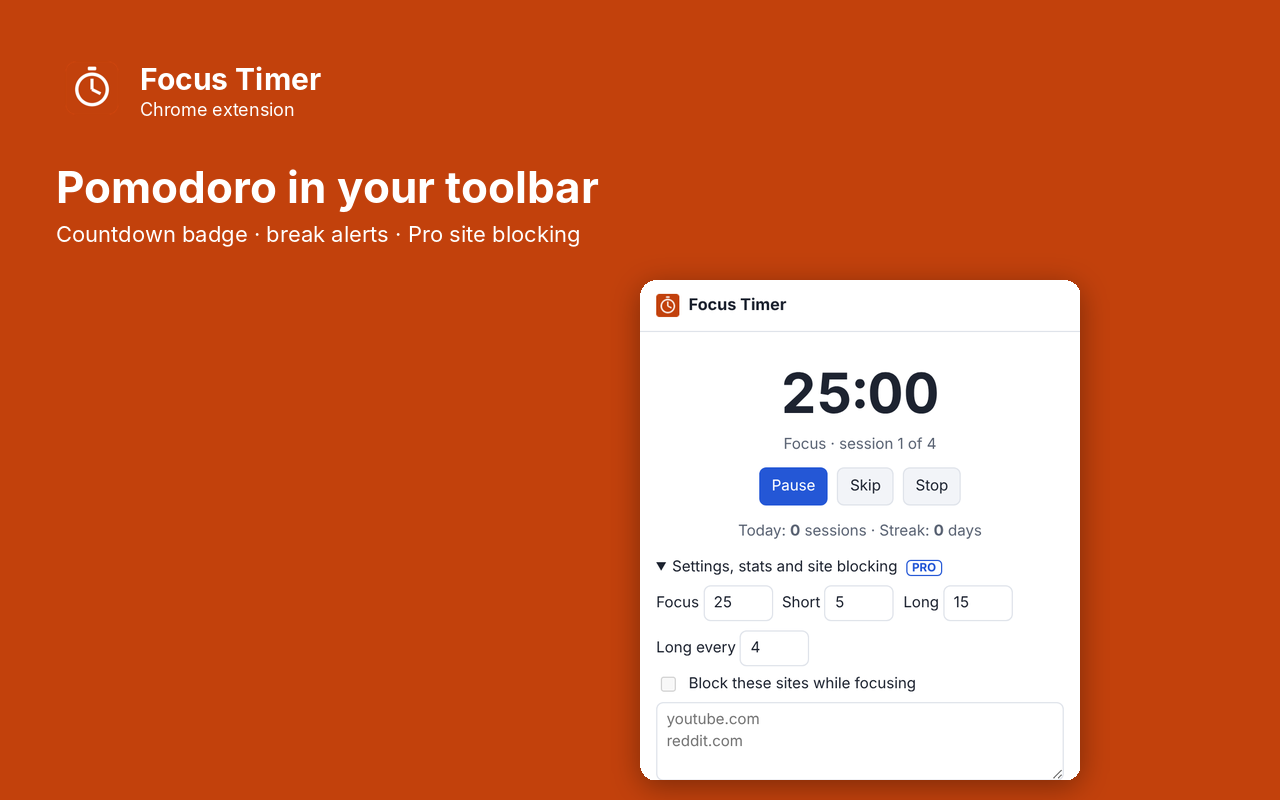
Focus Timer is a simple Pomodoro timer that lives in your Chrome toolbar. Press Start, work for 25 minutes, take a 5-minute break, and after four sessions take a longer one. The toolbar badge shows the minutes left, and a notification tells you when to switch. No account, no subscription.
- 25/5 Pomodoro cycle with a 15-minute long break every 4 sessions
- Minutes-left badge on the toolbar icon
- Desktop notification at the end of each focus session and break
- Pause, resume, skip and stop
- Today's session count and your daily streak
- Everything stays on your computer
Pro: $5 once
- Custom focus and break lengths
- Block distracting sites (like YouTube or Reddit) only while you are focusing
- Focus history chart for the last 14 days and a full year of stats
Buy on Gumroad, then paste the license key into the extension's popup. No subscription.
Questions
Does it keep running when I close the popup?
Yes. The timer runs in the background and the badge counts down.
Does site blocking see my browsing?
No. Chrome blocks the sites from your list itself. The extension never sees what you visit.
Is there a subscription?
No. The timer is free. Pro is a one-time $5 unlock.
Privacy policy for Focus Timer
Last updated 2026-10-10.
Focus Timer does not collect, sell or share your data. It has no analytics, no ads, no account and no server of its own. Everything it reads or saves stays in Chrome on your computer.
- What it reads: A Pomodoro focus timer, with optional site blocking during focus sessions. It reads the current page only when you use the extension.
- What it stores: your settings, your session history and whether Pro is unlocked, in Chrome's local extension storage. Uninstalling the extension deletes it.
- The one network request: when you unlock Pro, the license key you type is sent to Gumroad's license check (api.gumroad.com) to confirm the purchase, and checked again about once a month. Gumroad's privacy policy covers that request. Nothing else is sent.
- Payments are handled by Gumroad. We never see your card details.
Why each permission is needed
- alarms: Ends each focus session and break on time even when the popup is closed.
- notifications: Tells the user when a session or break ends.
- storage: Saves the timer state, settings, session stats and Pro status.
- optional declarativeNetRequest: Requested only if a Pro user turns on site blocking; blocks the sites the user listed, only during focus sessions.
- optional api.gumroad.com: Requested only when the user enters a license key; used to check that key with Gumroad's license API.
This extension's use of information follows the Chrome Web Store User Data Policy, including the Limited Use requirements.